← Best of the Best: all the guides
The best digital photo frames to buy in 2026
The Aura Carver Mat wins for its polished design, easy sharing and subscription-free unlimited photo storage.
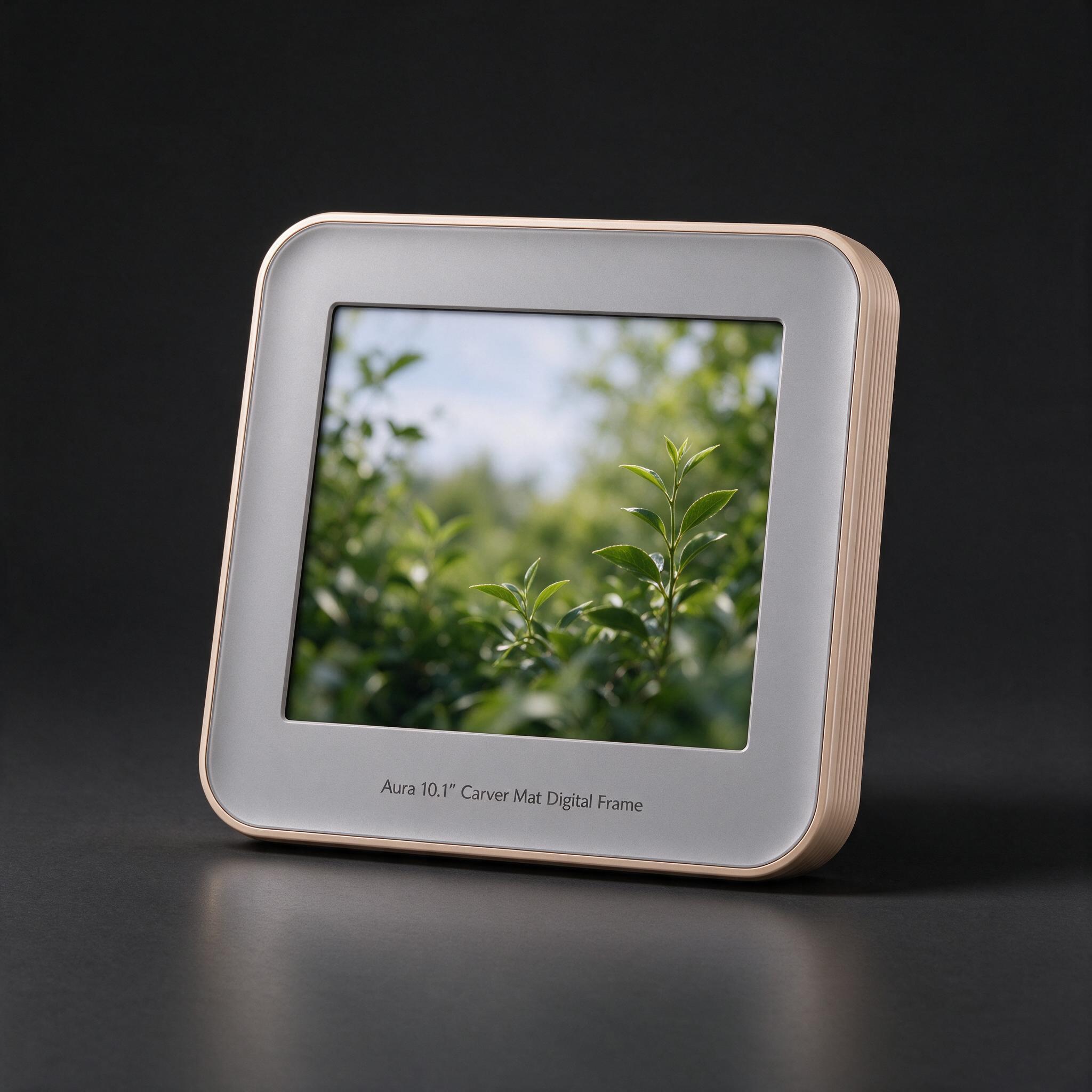
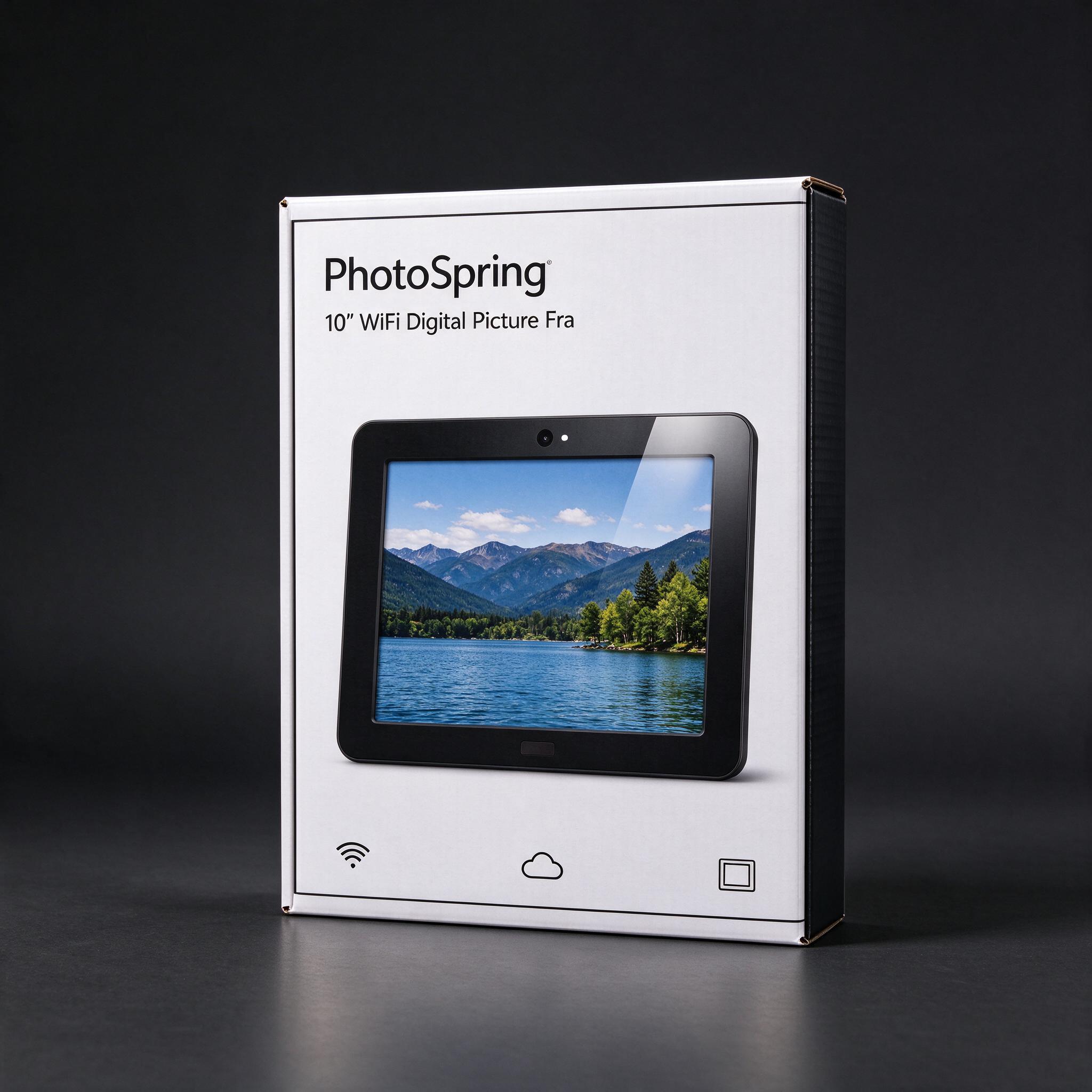
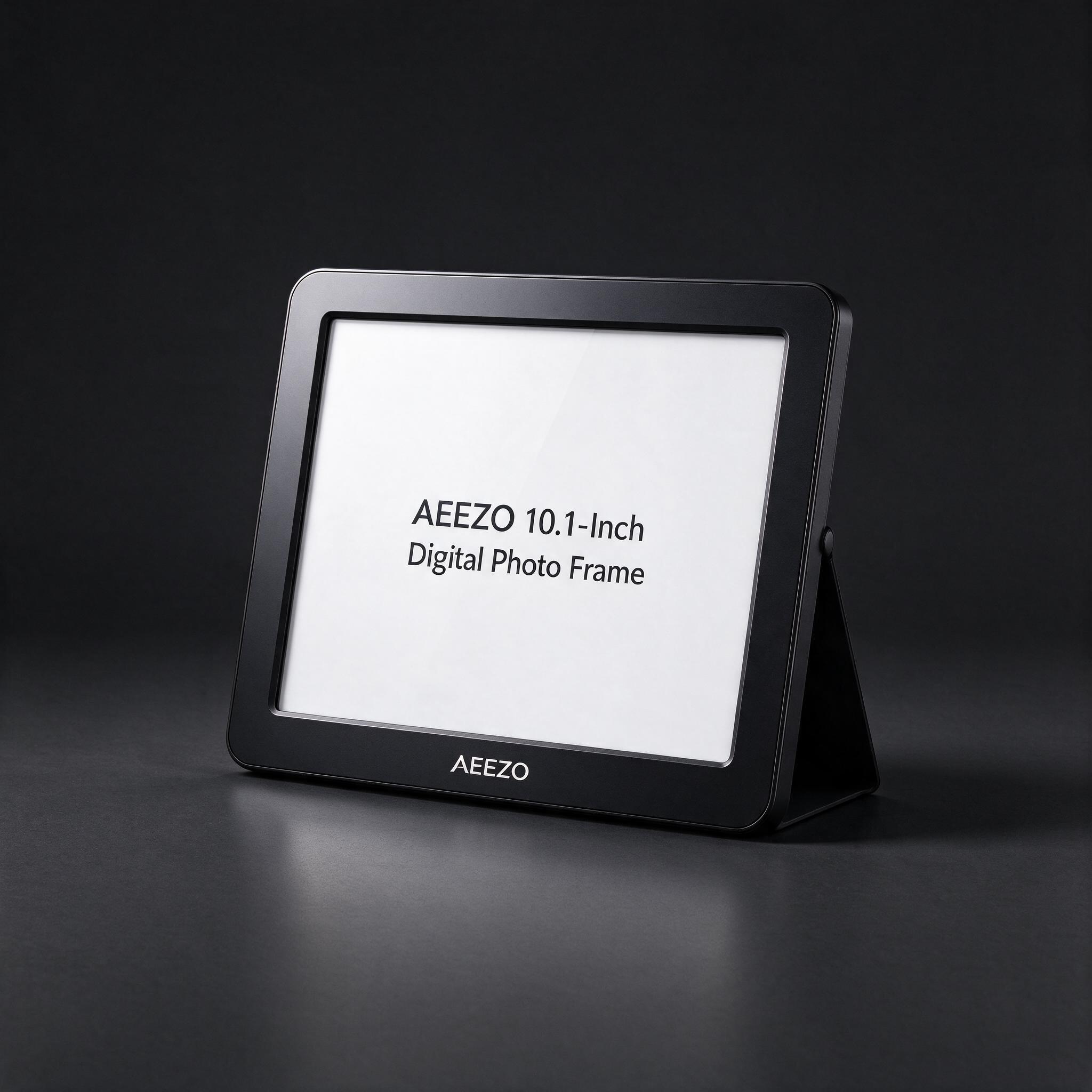
| Best overall | Best value | Cheapest that's still good | |
|---|---|---|---|
| Product | Aura 10.1" Carver Mat Digital Frame | PhotoSpring 10" WiFi Digital Picture Frame | AEEZO 10.1-Inch Digital Photo Frame |
| Price | about $179 | about $99 | about $40 |
| Why | Engadget found its display crisp, colorful and resistant to glare, and setup and photo management through Aura’s app were straightforward. Unlimited photo storage without a subscription and easy sharing make it a strong choice for most households. | Tom’s Guide recommends it as a value pick, with a clear, bright 1280 x 800 touchscreen, 16GB of storage and support for several photo sources. Engadget describes it as a capable option under $100, with useful offline USB and microSD transfers. | Travel + Leisure lists it as its best touchscreen pick and reported a straightforward setup, responsive controls and useful extras at a low price. It is a reasonable basic choice if keeping the cost down matters more than premium image quality. |
| Good to know | It needs an internet connection and relies on Aura’s app and cloud to add photos. | Its screen shows more glare and has worse viewing angles than the Aura Carver Mat. | Image detail is noticeably less sharp than on the more expensive frames. |
| See on Amazon | See on Amazon | See on Amazon |
picture by AIEngadget found its display crisp, colorful and resistant to glare, and setup and photo management through Aura’s app were straightforward. Unlimited photo storage without a subscription and easy sharing make it a strong choice for most households.
Good to know: It needs an internet connection and relies on Aura’s app and cloud to add photos.
See on Amazonpicture by AITom’s Guide recommends it as a value pick, with a clear, bright 1280 x 800 touchscreen, 16GB of storage and support for several photo sources. Engadget describes it as a capable option under $100, with useful offline USB and microSD transfers.
Good to know: Its screen shows more glare and has worse viewing angles than the Aura Carver Mat.
See on Amazonpicture by AITravel + Leisure lists it as its best touchscreen pick and reported a straightforward setup, responsive controls and useful extras at a low price. It is a reasonable basic choice if keeping the cost down matters more than premium image quality.
Good to know: Image detail is noticeably less sharp than on the more expensive frames.
See on AmazonDanilli may earn a small commission from Amazon or the store when you buy through these buttons. The price is the same for you. Pictures marked "picture by AI" are made by Danilli's AI to show the product; check the real photos on the store page.
What matters
Check the screen’s resolution and aspect ratio, how photos get onto the frame, and whether it needs Wi-Fi or a subscription. Consider where it will sit, whether you need portrait orientation or wall mounting, and how much you want to spend.
Who this is for
These picks suit people who want to share photos with family, give a ready-to-use gift, or display a slideshow without printing pictures. Choose a simpler, cheaper frame if you mainly want basic photo display and can accept a less polished screen or app.
The picks, one by one
Best overall: Aura 10.1" Carver Mat Digital Frame
Engadget found its display crisp, colorful and resistant to glare, and setup and photo management through Aura’s app were straightforward. Unlimited photo storage without a subscription and easy sharing make it a strong choice for most households. The 10.1-inch, 1280 x 800 screen is not the highest-resolution option, but the reviewer found it looked clear in use and had good viewing angles. The app connects with iCloud Photos and Google Photos, and family members can contribute pictures. Portrait shots can be paired side by side on its landscape display. Skip it if you need offline photo loading, a frame that can stand vertically, or a lower price.
Good to know: It needs an internet connection and relies on Aura’s app and cloud to add photos.
See on AmazonBest value: PhotoSpring 10" WiFi Digital Picture Frame
Tom’s Guide recommends it as a value pick, with a clear, bright 1280 x 800 touchscreen, 16GB of storage and support for several photo sources. Engadget describes it as a capable option under $100, with useful offline USB and microSD transfers. Reviewers liked that you can add photos using the app, cloud services or removable media, and that the frame can play video. The touchscreen handles settings and photo browsing directly on the device. Its display is less impressive than the Aura’s, with more glare and weaker viewing angles, and some settings are not managed through the app. Skip it if you want a more polished screen, motion sensing, or a sturdy-looking stand.
Good to know: Its screen shows more glare and has worse viewing angles than the Aura Carver Mat.
See on AmazonCheapest that's still good: AEEZO 10.1-Inch Digital Photo Frame
Travel + Leisure lists it as its best touchscreen pick and reported a straightforward setup, responsive controls and useful extras at a low price. It is a reasonable basic choice if keeping the cost down matters more than premium image quality. The 10.1-inch, 1280 x 800 touchscreen supports portrait and landscape photos, and the frame includes 8GB of storage, USB and memory-card slots, and settings for things like brightness and captions. Reviewers found it easy to use, with a decorative frame design. Photos look less sharp than on a phone, especially up close, so it works better viewed from across a room. Skip it if you want the best screen or the simplest sharing experience.
Good to know: Image detail is noticeably less sharp than on the more expensive frames.
See on AmazonHow we chose
Reviewers assessed setup, app and upload ease, screen clarity, color, glare and viewing angles, design, storage and features. One hands-on comparison used the frames side by side for more than a month; another tested 12 frames over two weeks. Danilli read the reviews and tests listed below and compared current prices; it does not take money from brands to pick a product.
Sources
Not sure which one is for you?
Ask Danilli anything about these, free. Tell it what you need and your budget and it says which one fits you.
Written with Danilli's AI from the sources above and refreshed about once a month; prices change, check Amazon for today's price. Danilli may earn a small commission from Amazon or the store when you buy through these buttons. The price is the same for you. Pictures marked "picture by AI" are made by Danilli's AI to show the product; check the real photos on the store page.