← Best of the Best: all the guides
The best mechanical keyboards for most people
The Keychron V1 Ultra 8K wins for its comfortable typing, strong features and wireless connectivity; two cheaper picks save money without sacrificing useful quality.
| Best overall | Best value | Cheapest that's still good | |
|---|---|---|---|
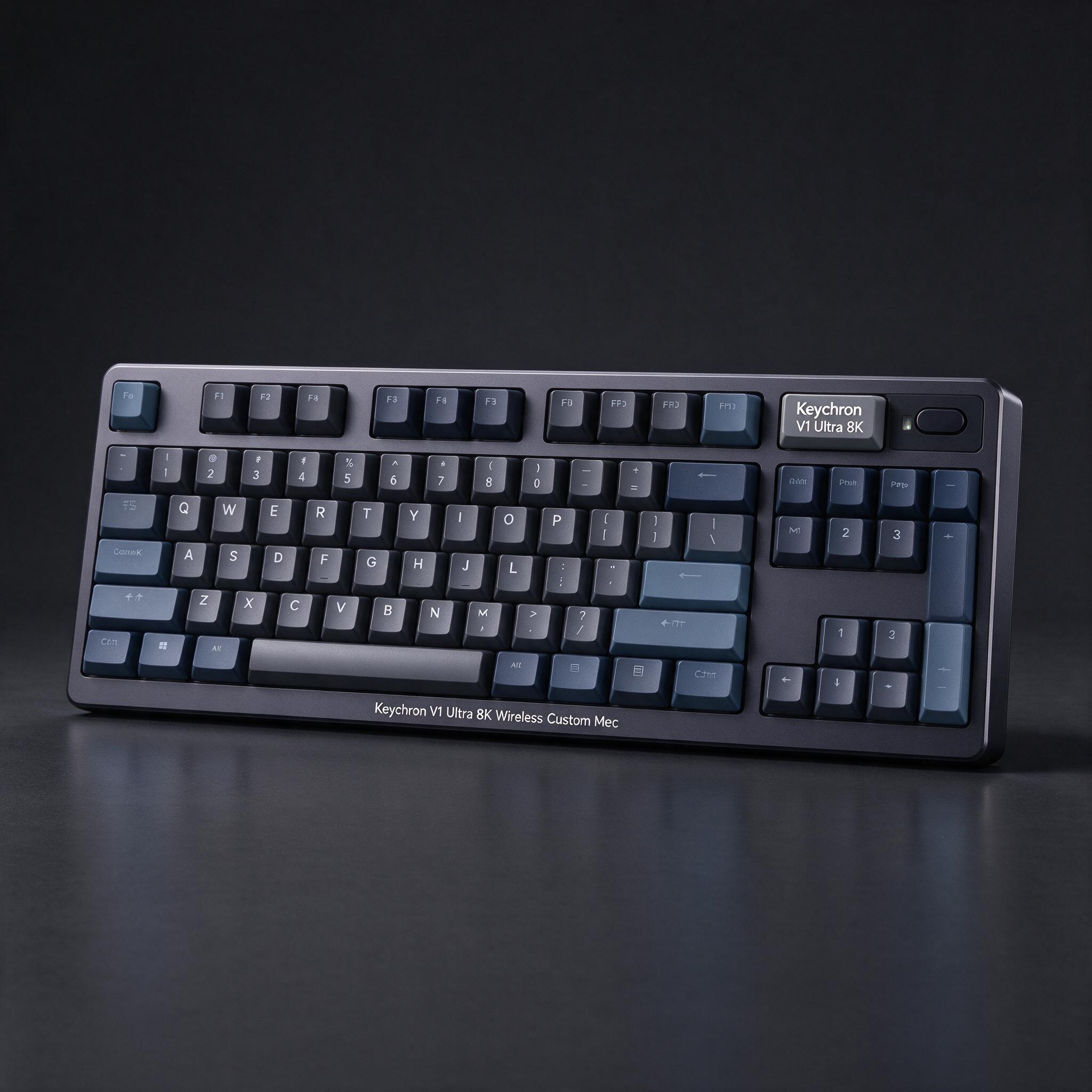
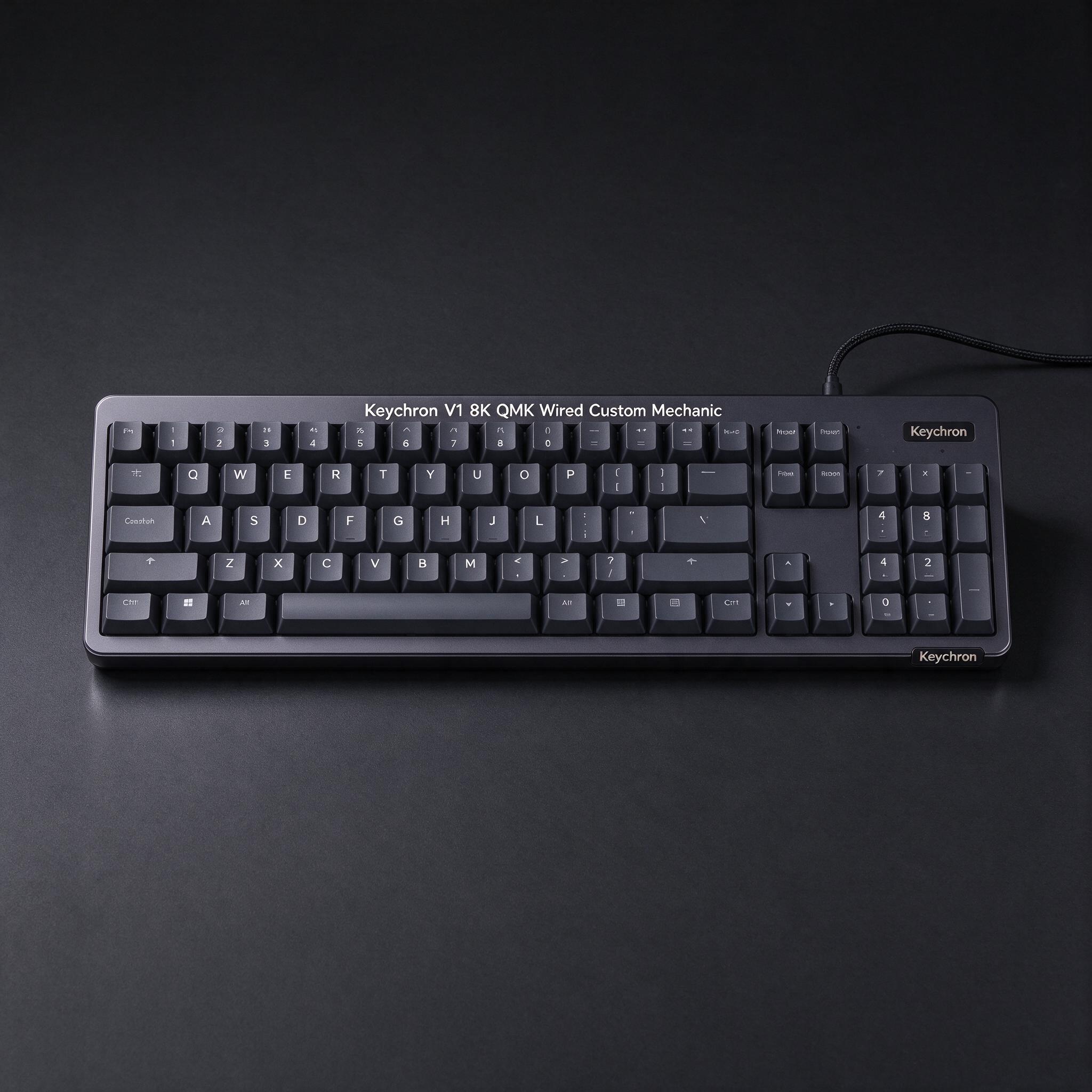
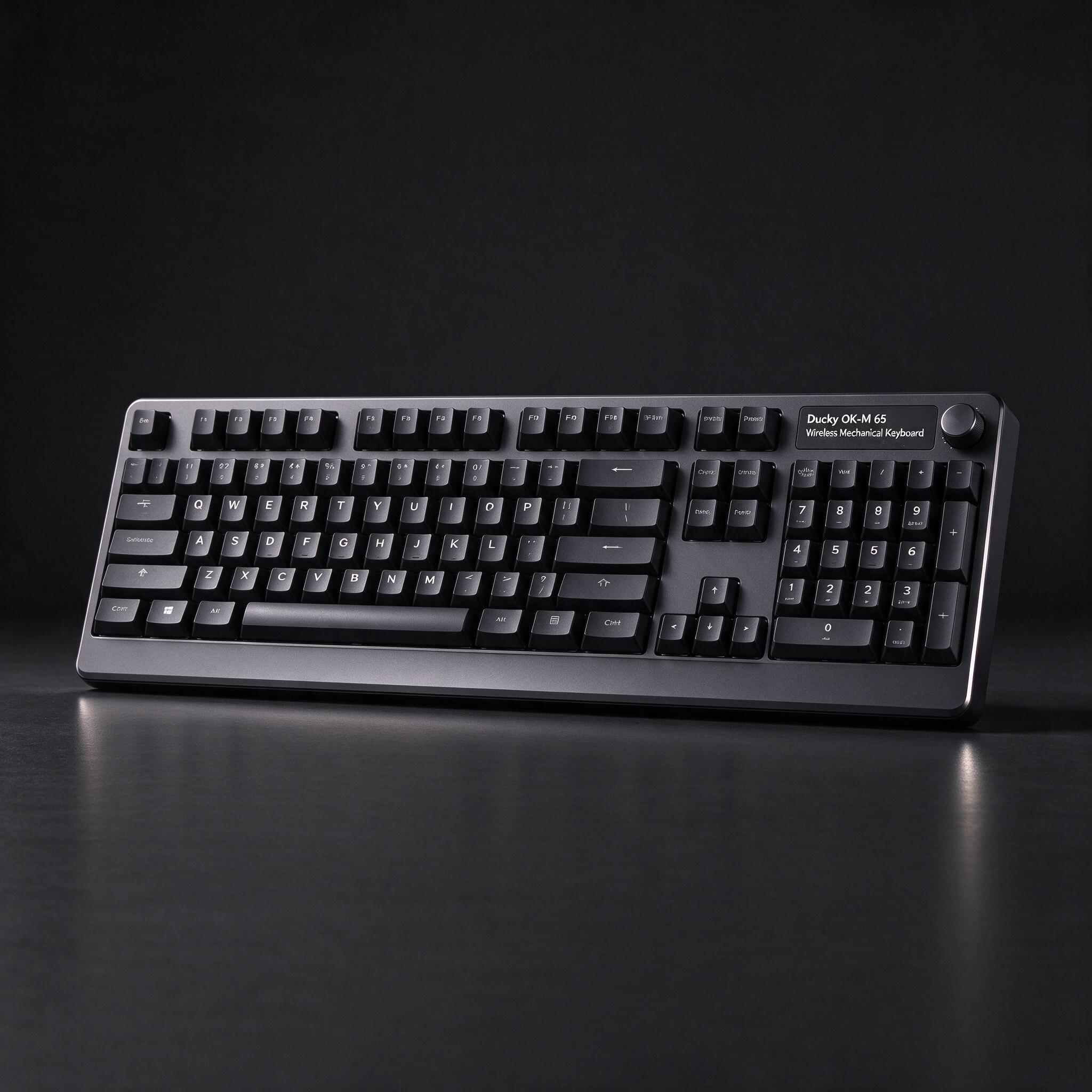
| Product | Keychron V1 Ultra 8K Wireless Custom Mechanical Keyboard | Keychron V1 8K QMK Wired Custom Mechanical Keyboard | Ducky OK-M 65 Wireless Mechanical Keyboard |
| Price | about $115 | about $75 | about $70 |
| Why | Tom’s Guide names it best overall, praising its typing feel, sound, wireless performance and customization. Its compact 75% layout keeps the arrows and function row, and its Bluetooth and 2.4GHz connections suit both work and play. | Tom’s Guide calls it a best-value pick: it retains a cushioned typing feel, hot-swap support and extensive lighting customization for substantially less than the wireless overall pick. The tradeoff is a cable-only connection. | PCWorld’s reviewer called the OK-M a budget champion, and the 65% model was listed at about $70 on Amazon. It offers Bluetooth and 2.4GHz wireless, hot-swappable switches and VIA programming at a much lower price than the overall pick. |
| Good to know | The plastic case flexes somewhat, and the 75% layout has no number pad. | It is wired-only and has some body flex. | Its small battery needs frequent charging compared with many wireless keyboards. |
| See on Amazon | See on Amazon | See on Amazon |
picture by AITom’s Guide names it best overall, praising its typing feel, sound, wireless performance and customization. Its compact 75% layout keeps the arrows and function row, and its Bluetooth and 2.4GHz connections suit both work and play.
Good to know: The plastic case flexes somewhat, and the 75% layout has no number pad.
See on Amazonpicture by AITom’s Guide calls it a best-value pick: it retains a cushioned typing feel, hot-swap support and extensive lighting customization for substantially less than the wireless overall pick. The tradeoff is a cable-only connection.
Good to know: It is wired-only and has some body flex.
See on Amazonpicture by AIPCWorld’s reviewer called the OK-M a budget champion, and the 65% model was listed at about $70 on Amazon. It offers Bluetooth and 2.4GHz wireless, hot-swappable switches and VIA programming at a much lower price than the overall pick.
Good to know: Its small battery needs frequent charging compared with many wireless keyboards.
See on AmazonDanilli may earn a small commission from Amazon when you buy through these buttons. The price is the same for you. Product pictures are made by Danilli's AI to show the product; check the real photos on the store page.
What matters
Choose a layout that fits your needs: 75% keeps arrow and function keys while taking less space, but it has no number pad. Switch feel and sound are personal; wireless, hot-swappable switches and remapping are useful extras, not must-haves.
Who this is for
The Keychron is a strong all-rounder for typing, work and gaming. If you prefer to spend less, the wired Keychron V1 8K offers a similar compact layout, while the Ducky OK-M 65 is a cheaper wireless option for buyers comfortable with a smaller layout.
The picks, one by one
Best overall: Keychron V1 Ultra 8K Wireless Custom Mechanical Keyboard
Tom’s Guide names it best overall, praising its typing feel, sound, wireless performance and customization. Its compact 75% layout keeps the arrows and function row, and its Bluetooth and 2.4GHz connections suit both work and play. The reviewer tested typing and gaming and reported a 94-words-per-minute result with 92% accuracy on the tested switches. The gasket mount, sound-dampening foam and PBT keycaps help make extended typing feel cushioned and sound satisfying. It supports hot-swappable switches and offers extensive RGB customization. Its 8,000Hz polling rate is a standout spec, though most people will not need it. Skip it if you need a number pad or a rigid metal case; reviewers noted some case flex.
Good to know: The plastic case flexes somewhat, and the 75% layout has no number pad.
See on AmazonBest value: Keychron V1 8K QMK Wired Custom Mechanical Keyboard
Tom’s Guide calls it a best-value pick: it retains a cushioned typing feel, hot-swap support and extensive lighting customization for substantially less than the wireless overall pick. The tradeoff is a cable-only connection. The reviewer tested typing, reporting 99 words per minute at 95.03% accuracy, and tried games including Cyberpunk 2077 and Counter-Strike 2. It has a compact 75% layout, PBT keycaps, a gasket mount and several switch choices. Its web-based software lets you remap keys and adjust lighting without installing a separate app. The 8,000Hz polling rate is available, though the reviewer did not notice a meaningful difference from 1,000Hz in games. Choose another board if wireless matters or you want a stiffer case.
Good to know: It is wired-only and has some body flex.
See on AmazonCheapest that's still good: Ducky OK-M 65 Wireless Mechanical Keyboard
PCWorld’s reviewer called the OK-M a budget champion, and the 65% model was listed at about $70 on Amazon. It offers Bluetooth and 2.4GHz wireless, hot-swappable switches and VIA programming at a much lower price than the overall pick. The reviewer evaluated typing feel and sound, wireless and programming features, and battery life during daily typing and gaming. Its soft, gasket-mounted feel and PBT keycaps make it a capable everyday board, and you can replace the stock switches without soldering. VIA lets you remap keys and set macros in a browser. The small 65% layout saves desk space but takes away the function row and number pad. Skip it if you need long battery life: PCWorld reported the smaller model’s charge lasted only a couple of weeks in its use.
Good to know: Its small battery needs frequent charging compared with many wireless keyboards.
See on AmazonHow we chose
Tom’s Guide reports testing more than 100 keyboards and tested typing speed and accuracy, gaming responsiveness, sound and day-to-day comfort; its Lemokey test included just under eight hours of use. RTINGS uses standardized tests, including switch-force and input-latency measurements, while PCWorld Danilli read the reviews and tests listed below and compared current prices; it does not take money from brands to pick a product.
Sources
Not sure which one is for you?
Ask Danilli anything about these, free. Tell it what you need and your budget and it says which one fits you.
Written with Danilli's AI from the sources above and refreshed about once a month; prices change, check Amazon for today's price. Danilli may earn a small commission from Amazon when you buy through these buttons. The price is the same for you. Product pictures are made by Danilli's AI to show the product; check the real photos on the store page.