← Best of the Best: all the guides
The best monitors for work, gaming, and everyday use
The Dell UltraSharp U2724DE wins for its balanced picture, 120Hz refresh rate, and useful hub; cheaper picks cover tighter budgets.
| Best overall | Best value | Cheapest that's still good | |
|---|---|---|---|
| Product | Dell UltraSharp U2724DE | AOC Q27G3XMN | MSI PRO MP243W E14 |
| Price | about $329 | about $200 | about $100 |
| Why | PCWorld names it its best monitor overall and lists it at about $329 on Amazon. Its sharp 27-inch 1440p IPS Black panel, 120Hz refresh rate, and extensive Thunderbolt and USB connectivity make it a strong all-rounder. | RTINGS recommends it as its best monitor under $200, and its 27-inch 1440p Mini LED panel offers unusually strong contrast and HDR for the price. It is a much cheaper alternative to the Dell, with a 180Hz refresh rate that also suits gaming. | WIRED tested this 23.8-inch IPS monitor and found solid image quality for everyday use, with 144Hz refresh rate. Its roughly $100 Amazon price makes it the lowest-cost pick here. |
| Good to know | It is 1440p rather than 4K and does not support HDR. | Fast-moving objects can smear in dark scenes. | The stand only tilts, so it has limited ergonomic adjustment. |
| See on Amazon | See on Amazon | See on Amazon |
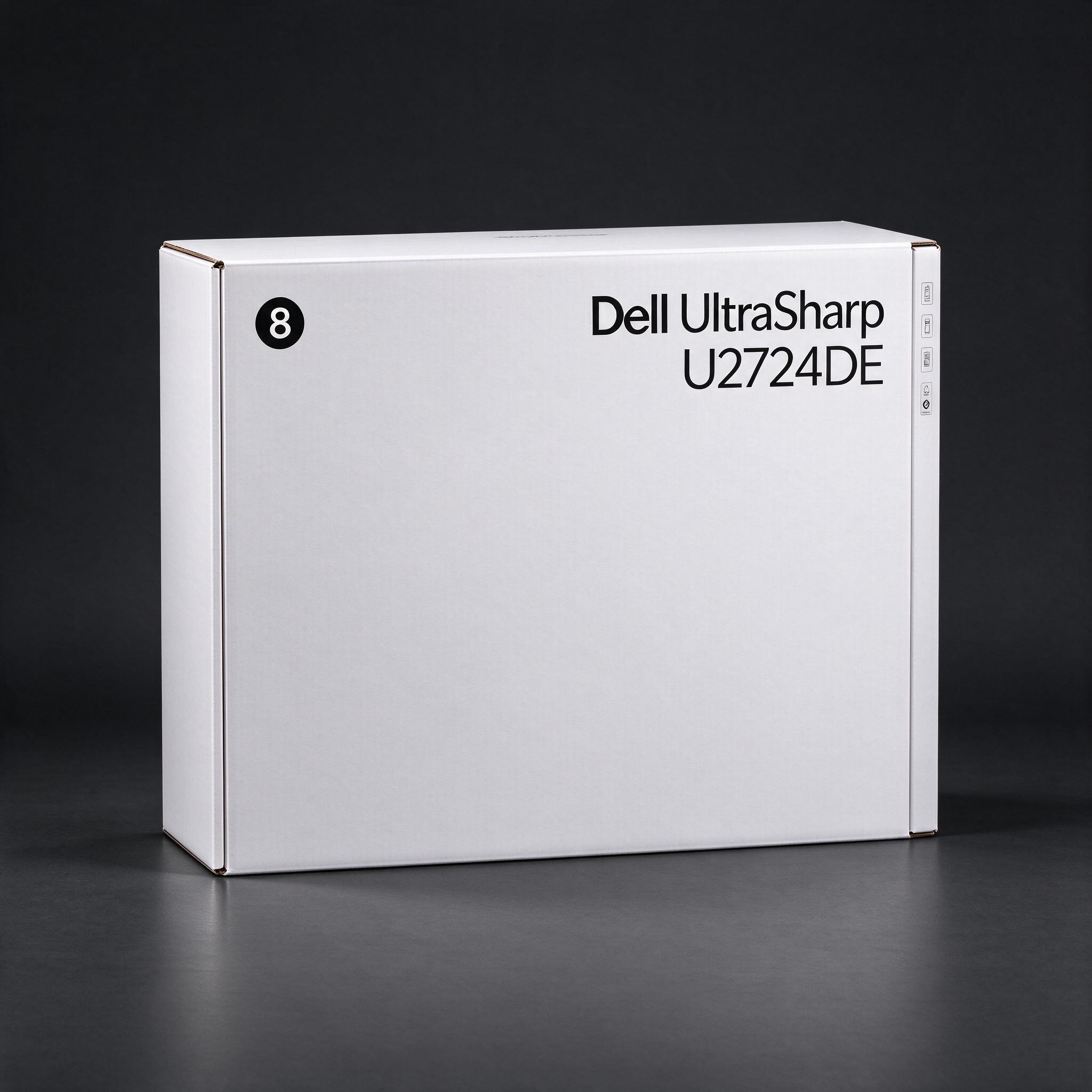 picture by AI
PCWorld names it its best monitor overall and lists it at about $329 on Amazon. Its sharp 27-inch 1440p IPS Black panel, 120Hz refresh rate, and extensive Thunderbolt and USB connectivity make it a strong all-rounder.
Good to know: It is 1440p rather than 4K and does not support HDR.
See on Amazon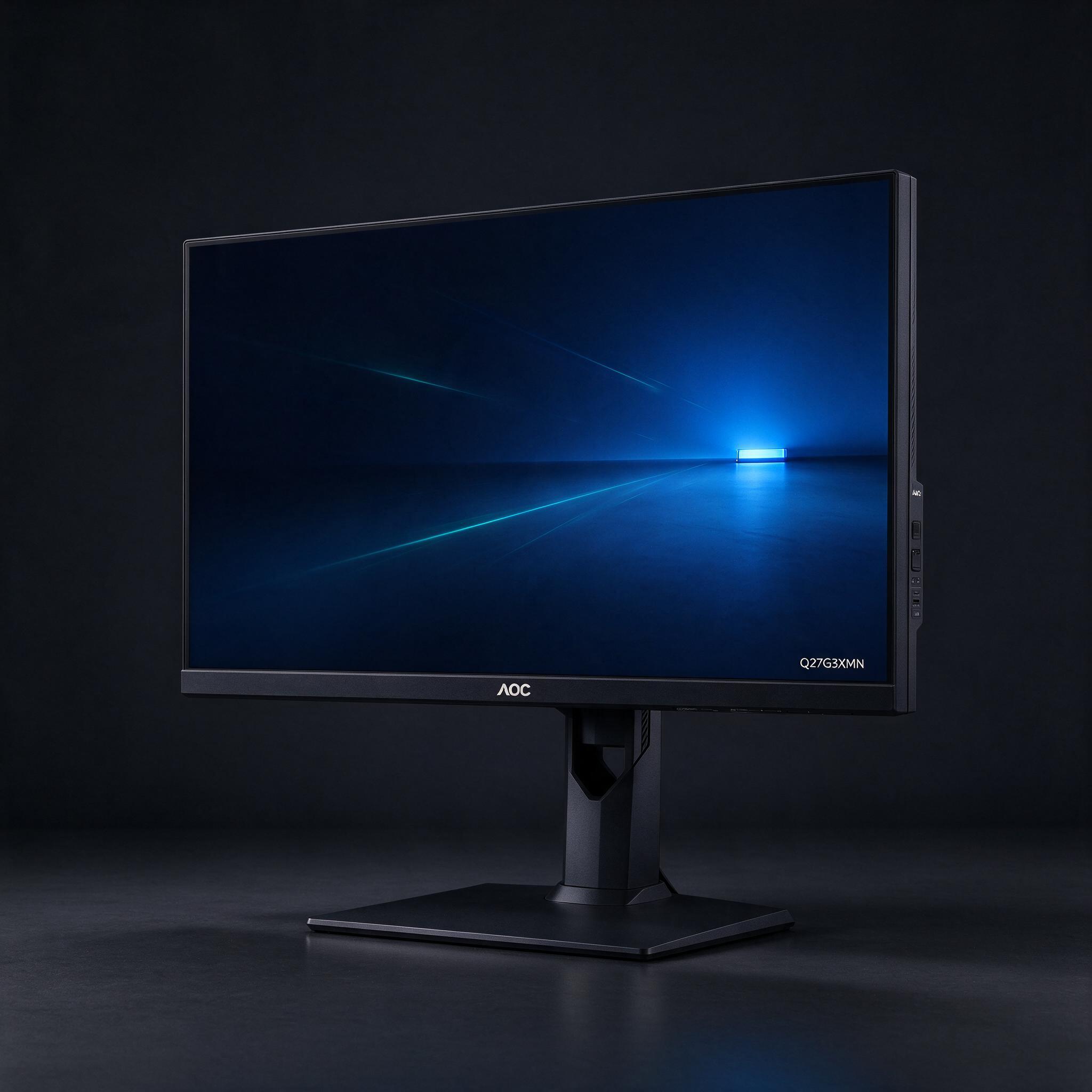 picture by AI
RTINGS recommends it as its best monitor under $200, and its 27-inch 1440p Mini LED panel offers unusually strong contrast and HDR for the price. It is a much cheaper alternative to the Dell, with a 180Hz refresh rate that also suits gaming.
Good to know: Fast-moving objects can smear in dark scenes.
See on Amazon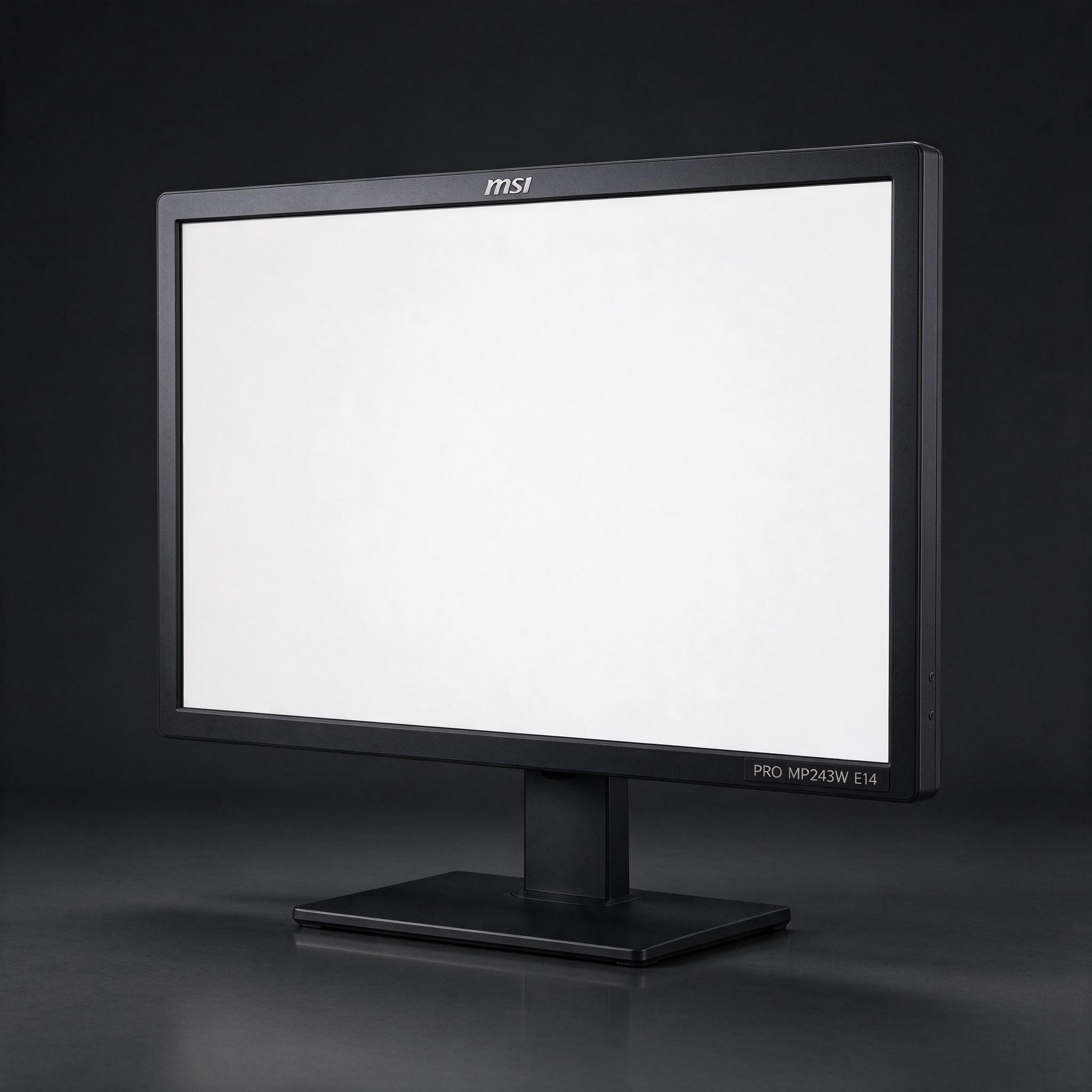 picture by AI
WIRED tested this 23.8-inch IPS monitor and found solid image quality for everyday use, with 144Hz refresh rate. Its roughly $100 Amazon price makes it the lowest-cost pick here.
Good to know: The stand only tilts, so it has limited ergonomic adjustment.
See on AmazonDanilli may earn a small commission from Amazon when you buy through these buttons. The price is the same for you. Product pictures are made by Danilli's AI to show the product; check the real photos on the store page.
What matters
Choose a size and resolution that suit your desk and work: 27-inch 1440p is a useful middle ground, while 1080p costs less. Refresh rate matters more for gaming; USB-C, ports, and an adjustable stand can make everyday work easier.
Who this is for
These picks suit general home and office use, with options for casual gaming and tight budgets. The Dell is best for people who want a capable all-round screen and will use its USB-C hub.
The picks, one by one
Best overall: Dell UltraSharp U2724DE
PCWorld names it its best monitor overall and lists it at about $329 on Amazon. Its sharp 27-inch 1440p IPS Black panel, 120Hz refresh rate, and extensive Thunderbolt and USB connectivity make it a strong all-rounder. The 120Hz refresh rate makes scrolling and motion feel smoother than on typical office screens. Its Thunderbolt hub and USB-C power delivery can simplify a laptop desk setup. The IPS Black panel improves contrast over conventional IPS, though it is not an HDR display. Skip it if you need 4K resolution or mainly want a gaming monitor with high-end HDR.
Good to know: It is 1440p rather than 4K and does not support HDR.
See on AmazonBest value: AOC Q27G3XMN
RTINGS recommends it as its best monitor under $200, and its 27-inch 1440p Mini LED panel offers unusually strong contrast and HDR for the price. It is a much cheaper alternative to the Dell, with a 180Hz refresh rate that also suits gaming. RTINGS highlights its local dimming, vivid colors, and deep blacks in dark rooms. Variable refresh rate support helps reduce tearing in games. Its picture and gaming features are compelling for the price, but its VA panel can show dark smearing in fast action. Choose the Dell instead if you prioritize laptop connectivity and office-hub features.
Good to know: Fast-moving objects can smear in dark scenes.
See on AmazonCheapest that's still good: MSI PRO MP243W E14
WIRED tested this 23.8-inch IPS monitor and found solid image quality for everyday use, with 144Hz refresh rate. Its roughly $100 Amazon price makes it the lowest-cost pick here. WIRED measured 99 percent sRGB coverage, 77 percent AdobeRGB coverage, and Delta-E color accuracy of 1.35. It reached 359 nits brightness in WIRED's testing, and its 144Hz rate is a welcome extra for casual gaming. The 1080p picture is adequate for email, documents, and general use, but the smaller screen offers less room than the other picks. Skip it for professional color work or if you need a height-adjustable stand.
Good to know: The stand only tilts, so it has limited ergonomic adjustment.
See on AmazonHow we chose
Reviewers measured or assessed brightness, contrast, color accuracy, response time, and motion handling with display instruments and real-world use. RTINGS says it buys and tests monitors with specialized tools; WIRED reports colorimeter measurements, while PCWorld describes hundreds of hours testin Danilli read the reviews and tests listed below and compared current prices; it does not take money from brands to pick a product.
Sources
Not sure which one is for you?
Ask Danilli anything about these, free. Tell it what you need and your budget and it says which one fits you.
Written with Danilli's AI from the sources above and refreshed about once a month; prices change, check Amazon for today's price. Danilli may earn a small commission from Amazon when you buy through these buttons. The price is the same for you. Product pictures are made by Danilli's AI to show the product; check the real photos on the store page.