← Best of the Best: all the guides
The best wireless mice for work and everyday use
The Logitech MX Master 4 wins for comfort and useful controls; the M850L and M240 Silent offer strong cheaper options.
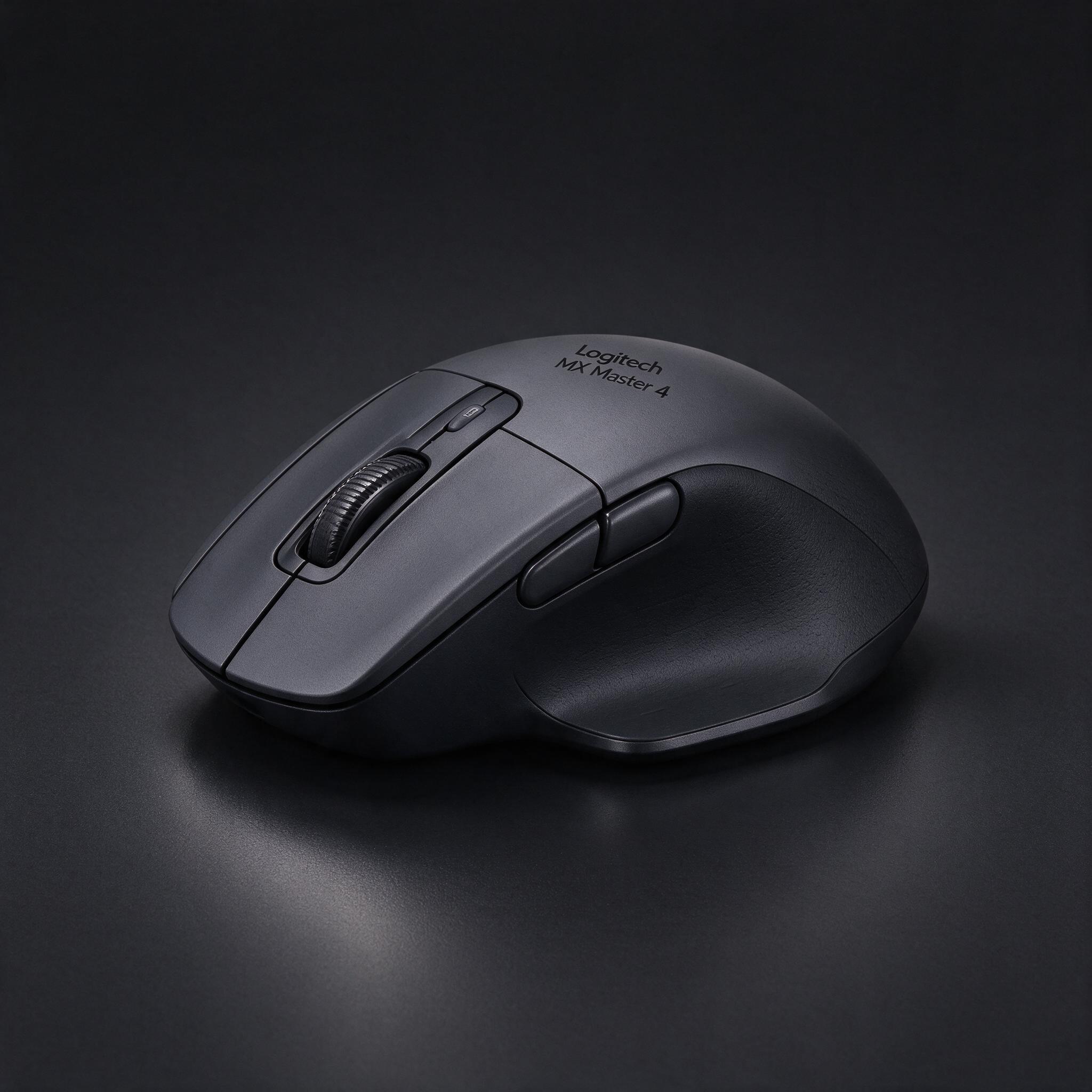
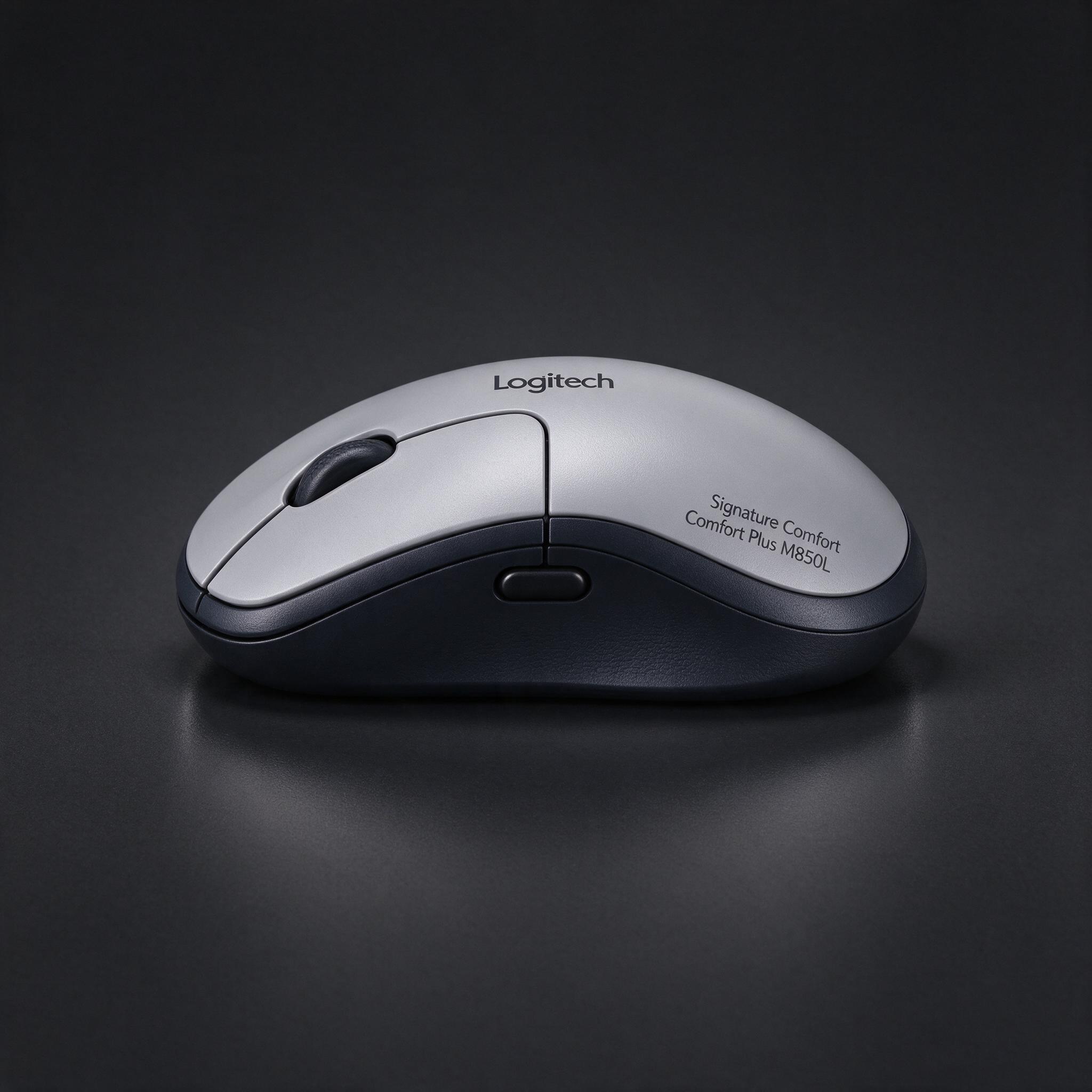
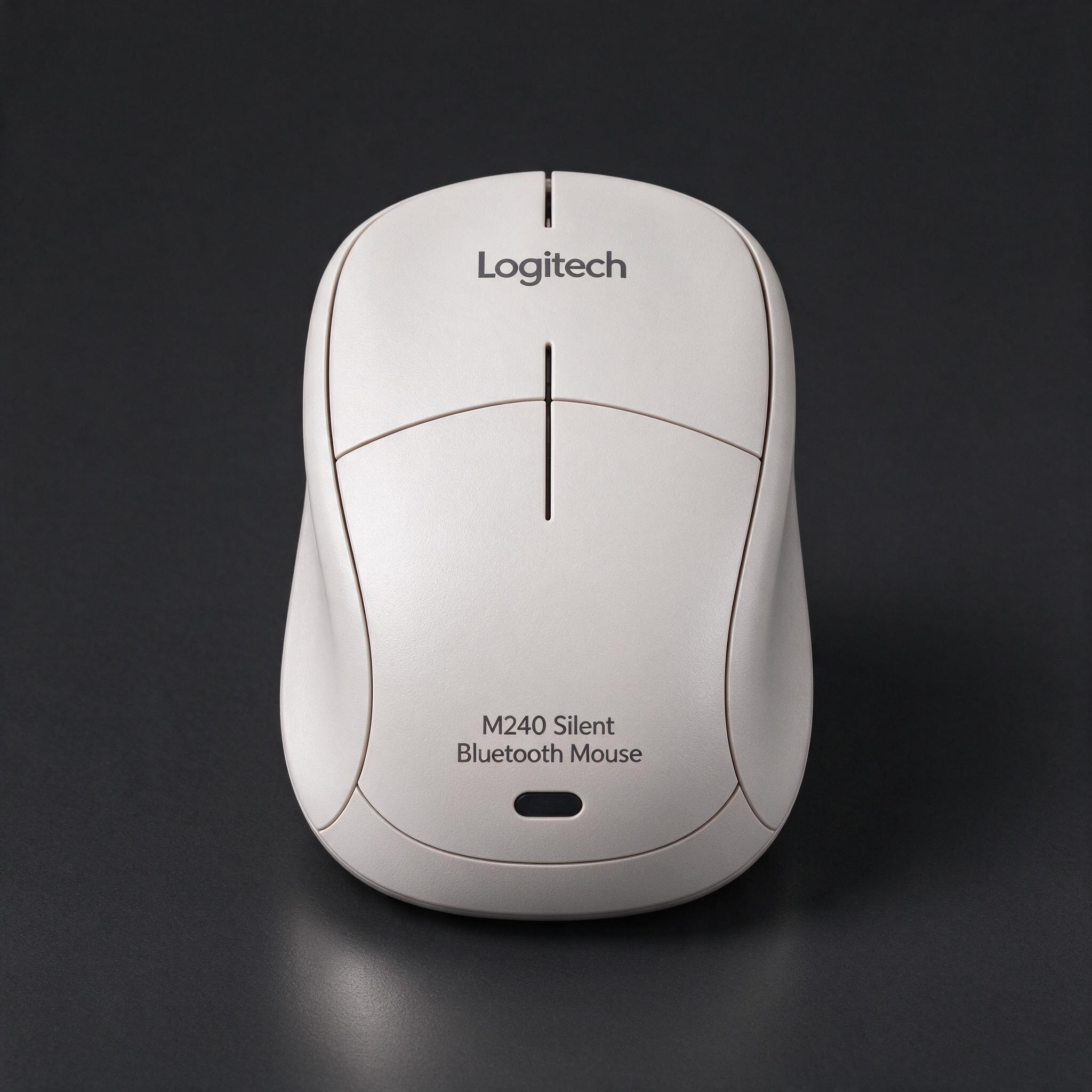
| Best overall | Best value | Cheapest that's still good | |
|---|---|---|---|
| Product | Logitech MX Master 4 | Logitech Signature Comfort Plus M850L | Logitech M240 Silent Bluetooth Mouse |
| Price | about $120 | about $49 | about $15 |
| Why | Tom’s Guide and RTINGS recommend it as a top productivity mouse, citing its comfortable shape, customizable controls and dual scroll wheels. Its premium build and broad feature set make it the most capable pick for desk work. | Tom’s Guide recommends it as a more affordable, comfortable work mouse, with a cushioned palm rest, quiet clicks and a speed-adaptive scroll wheel. At about $49, it costs less than half as much as the MX Master 4. | In LTT Labs’ recent test of 12 budget mice, the M240 Silent was the best overall: it had the group’s lowest measured average latency and a stable Bluetooth connection at about 9 meters. It was listed at about $14, making it a solid low-cost wireless choice. |
| Good to know | It costs much more than a basic wireless mouse, and its haptic controls may not be worth the extra expense to everyone. | It uses a disposable AA battery, and its wireless receiver is sold separately. | Its small body can cramp larger hands, and the scroll wheel is stiff and loud. |
| See on Amazon | See on Amazon | See on Amazon |
picture by AITom’s Guide and RTINGS recommend it as a top productivity mouse, citing its comfortable shape, customizable controls and dual scroll wheels. Its premium build and broad feature set make it the most capable pick for desk work.
Good to know: It costs much more than a basic wireless mouse, and its haptic controls may not be worth the extra expense to everyone.
See on Amazonpicture by AITom’s Guide recommends it as a more affordable, comfortable work mouse, with a cushioned palm rest, quiet clicks and a speed-adaptive scroll wheel. At about $49, it costs less than half as much as the MX Master 4.
Good to know: It uses a disposable AA battery, and its wireless receiver is sold separately.
See on Amazonpicture by AIIn LTT Labs’ recent test of 12 budget mice, the M240 Silent was the best overall: it had the group’s lowest measured average latency and a stable Bluetooth connection at about 9 meters. It was listed at about $14, making it a solid low-cost wireless choice.
Good to know: Its small body can cramp larger hands, and the scroll wheel is stiff and loud.
See on AmazonDanilli may earn a small commission from Amazon when you buy through these buttons. The price is the same for you. Product pictures are made by Danilli's AI to show the product; check the real photos on the store page.
What matters
Choose a shape that fits your hand, then consider whether you need extra buttons, scrolling controls, quiet clicks or device switching. Bluetooth avoids a USB receiver, while a receiver can be more convenient on some computers.
Who this is for
These picks are mainly for everyday computer use and work, not competitive gaming. The MX Master 4 suits people who will use its extra controls; the M240 Silent is for shoppers who want a basic, inexpensive wireless mouse.
The picks, one by one
Best overall: Logitech MX Master 4
Tom’s Guide and RTINGS recommend it as a top productivity mouse, citing its comfortable shape, customizable controls and dual scroll wheels. Its premium build and broad feature set make it the most capable pick for desk work. It has eight buttons, an 8,000-DPI sensor and Bluetooth or receiver connectivity. Reviewers highlight its scrolling and productivity shortcuts for long documents and busy workflows. Its USB-C battery is rated for up to 70 hours, though real life depends on use. The new haptic thumb control may be useful for shortcuts, but reviewers note that some buyers may find it unnecessary. Skip it if you want a light gaming mouse or simple everyday pointer.
Good to know: It costs much more than a basic wireless mouse, and its haptic controls may not be worth the extra expense to everyone.
See on AmazonBest value: Logitech Signature Comfort Plus M850L
Tom’s Guide recommends it as a more affordable, comfortable work mouse, with a cushioned palm rest, quiet clicks and a speed-adaptive scroll wheel. At about $49, it costs less than half as much as the MX Master 4. Tom’s Guide’s reviewer used it for two full days and reported no discomfort. The M850L has five buttons, Bluetooth, and a battery rated for up to 24 months on one AA battery. Its cushioned rest and quiet switches make it appealing for shared offices and long workdays. It offers useful basics without the MX Master’s second scroll wheel and more elaborate controls. Skip it if you prefer a rechargeable mouse or need advanced scrolling features.
Good to know: It uses a disposable AA battery, and its wireless receiver is sold separately.
See on AmazonCheapest that's still good: Logitech M240 Silent Bluetooth Mouse
In LTT Labs’ recent test of 12 budget mice, the M240 Silent was the best overall: it had the group’s lowest measured average latency and a stable Bluetooth connection at about 9 meters. It was listed at about $14, making it a solid low-cost wireless choice. LTT Labs used the mice for typical day-to-day work and measured latency and connection range. The M240’s clicks are quiet, and Bluetooth means there’s no USB receiver to lose. It is small and may feel cramped for larger hands. The same review found its scroll wheel stiff and loud, despite its quiet buttons. Skip it if you need side buttons, a receiver-based connection or a full-size shape.
Good to know: Its small body can cramp larger hands, and the scroll wheel is stiff and loud.
See on AmazonHow we chose
Reviewers used the mice for everyday work and assessed comfort, scrolling, customization, battery life and connectivity. LTT Labs also measured latency and wireless range across 12 budget mice; its reported use was typical day-to-day work, not a long-term durability test. Danilli read the reviews and tests listed below and compared current prices; it does not take money from brands to pick a product.
Sources
Not sure which one is for you?
Ask Danilli anything about these, free. Tell it what you need and your budget and it says which one fits you.
Written with Danilli's AI from the sources above and refreshed about once a month; prices change, check Amazon for today's price. Danilli may earn a small commission from Amazon when you buy through these buttons. The price is the same for you. Product pictures are made by Danilli's AI to show the product; check the real photos on the store page.